
Codes arrive
Security codes from your bank, the tax office or any app reach the app, wherever you are.
Travel
Leave your SIM in Tahaa at home, use the hotel Wi-Fi or a local data plan, and keep getting calls and texts to your usual number in the app. No roaming fees, no missed bank codes.

 Coming soon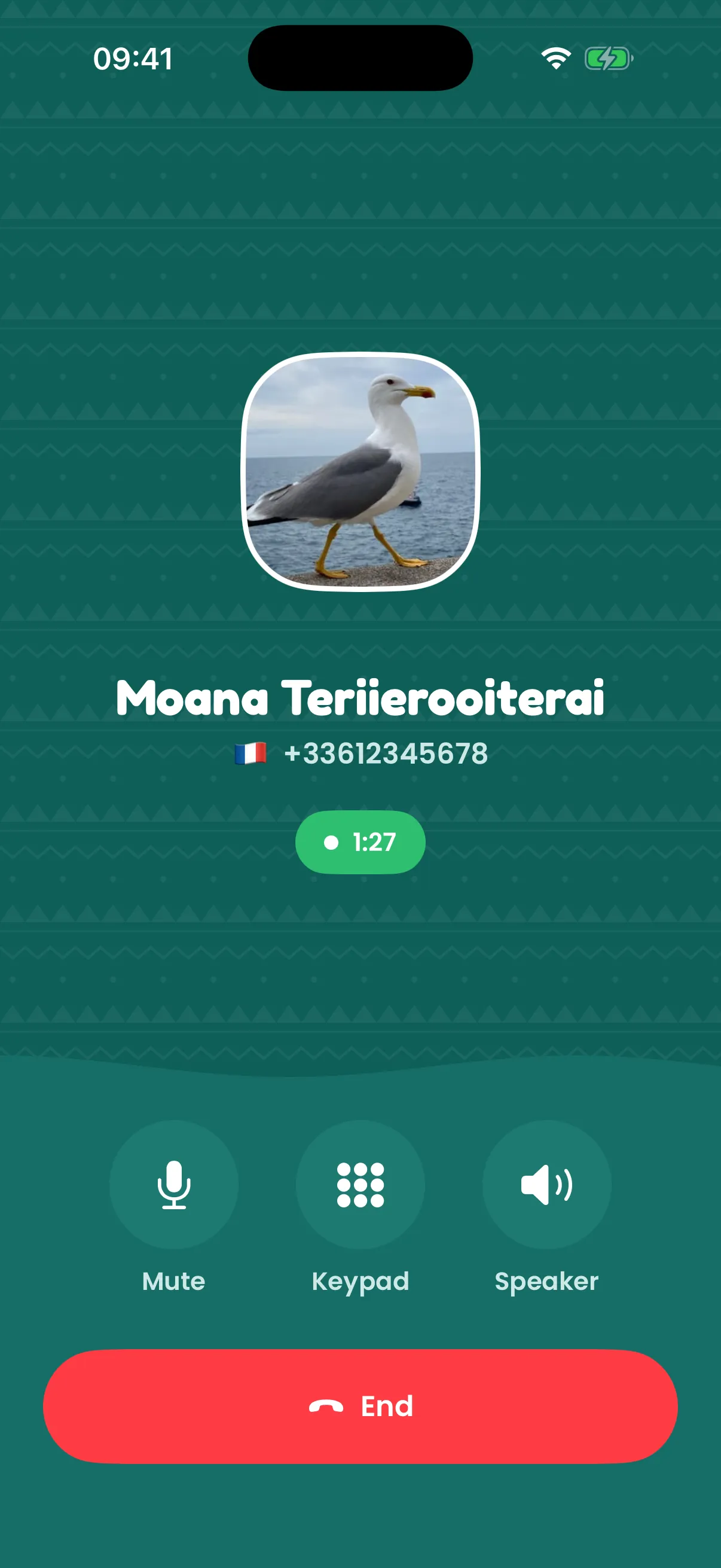
Outside your plan’s zone, roaming is expensive, or doesn’t work at all. Switch to a local SIM and your usual number goes silent: the doctor can’t reach you, and the bank’s security code never arrives just when you need to pay.
Security codes from your bank, the tax office or any app reach the app, wherever you are.
The app only needs internet: hotel Wi-Fi or a cheap local data eSIM. Your SIM stays home, on its usual plan.
People call the number they know and you answer in the app. The calls you make show your number too.
Expats and long stays: your number stays alive at home for as long as the box is plugged in.
Put your SIM in Tahaa, plug it in at home and scan its code with the app.
Use Wi-Fi or a local data plan on your phone, as you would anyway.
Your calls ring in the app and your texts arrive there. Reply from your own number.
No. Your SIM never leaves home, so your operator sees calls and texts made from home. The app itself only uses internet.
Yes, for data: the Tahaa app works over it, and your usual number stays reachable.
Wherever your phone has a working internet connection.
Calls and texts behave as if your phone were switched off, and Tahaa reconnects by itself as soon as the internet is back.