
Calls
Making a call
Section titled “Making a call”In Calls, tap the keypad, or a contact, and call. The call leaves from your Tahaa with your SIM’s number: the person you call sees your usual number.
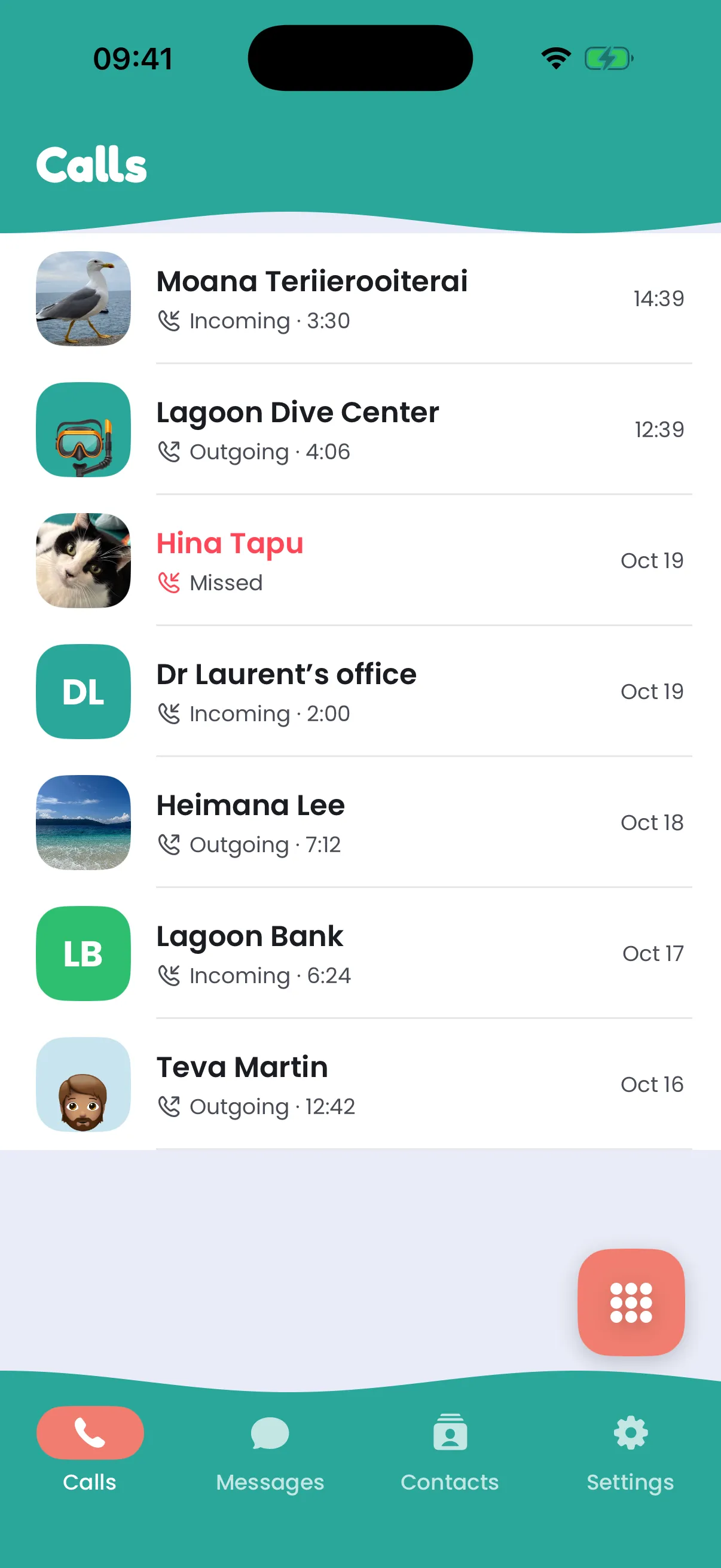
With several Tahaa, the app asks which one to call from the first time you call a number, then remembers it.
Receiving a call
Section titled “Receiving a call”When someone calls your SIM’s number, your phone rings like a normal call, even when it’s locked and the app is closed. Every phone signed in to your account rings, and so does the web app while it’s open; the first one to answer takes the call.
The keypad during a call
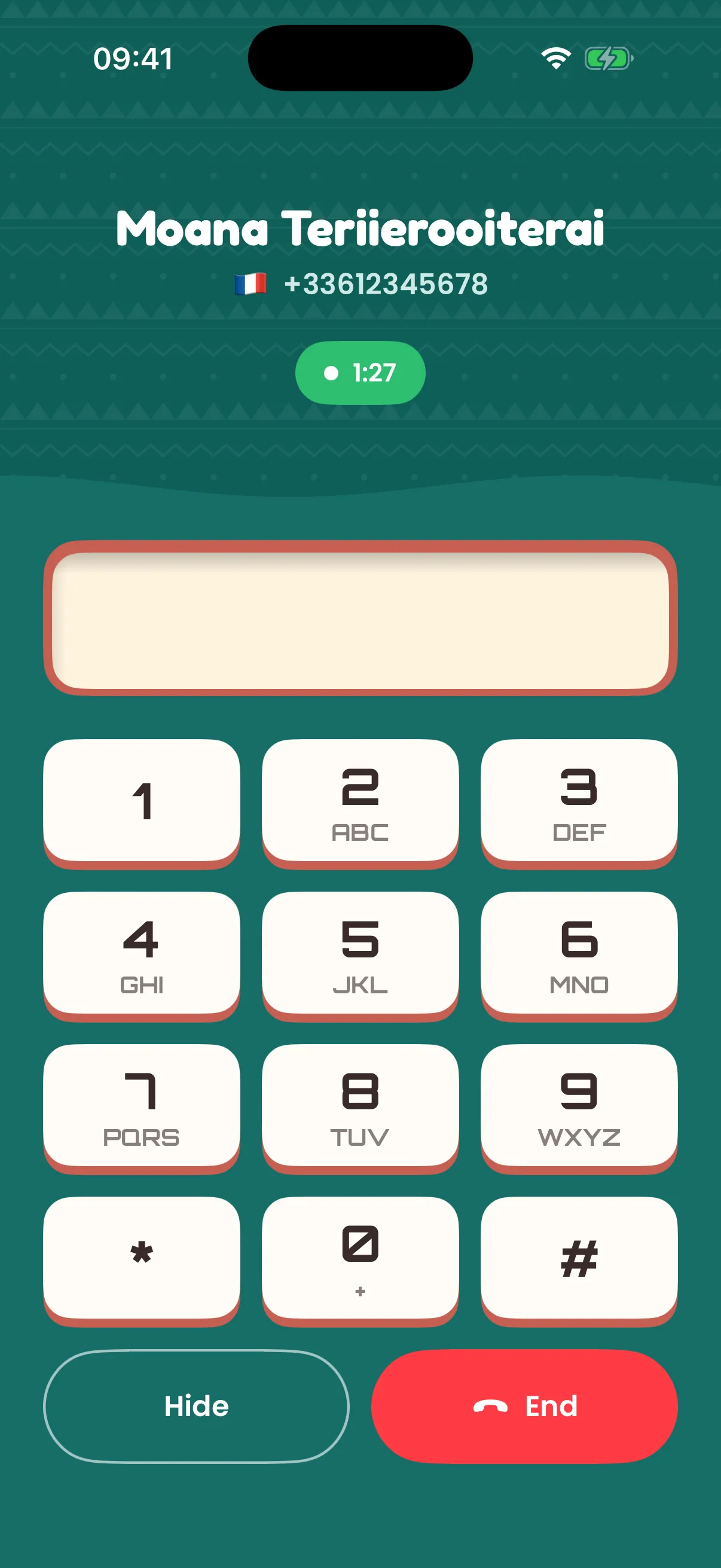
Section titled “The keypad during a call”Tap Keypad during a call to type digits: voicemail and phone menus (“press 1…”), bank or conference codes. The digits are sent to the network as keypad tones, and they’re encrypted on their way to your Tahaa.
Voicemail
Section titled “Voicemail”Long-press 1 on the keypad, or tap the voicemail key, to call your voicemail. The number comes from your SIM, or from your operator if the SIM doesn’t give it.
Calling back
Section titled “Calling back”Tap a call in the history to call back. It goes out on the same number the call was on, as long as one of your Tahaa still carries it.
When a call doesn’t go through
Section titled “When a call doesn’t go through”If your Tahaa can’t call at all (it’s offline, has no SIM, its SIM is locked, or it has no mobile network), the app says so as soon as you tap call, before trying, and offers to open Settings to fix it.
If connecting takes more than a few seconds, the call screen says slow network. If the call fails, it says why:
- No connection to Tahaa: your phone can’t reach the internet. Check Wi-Fi or mobile data.
- This network blocks calls or is too slow: your phone reaches Tahaa but not the call’s audio server. Some Wi-Fi networks (hotels, offices, public hotspots) block it. Try mobile data or another Wi-Fi.
- Your Tahaa didn’t respond: check in Settings that your Tahaa is online.
Good to know
Section titled “Good to know”- Calls are encrypted end to end between your Tahaa and your phone.
- The sound is that of a mobile call. It’s best with VoLTE (4G calls), which Settings shows for each Tahaa: without it, calls use 3G or 2G and sound narrower.
- The voice can take a fraction of a second longer to arrive than on a normal phone.
- Your phone needs internet (Wi-Fi or mobile data) during the call.
- Calls are charged by your operator, as if you called from the SIM’s own phone.