
Several Tahaa, phones and the web app
Several Tahaa
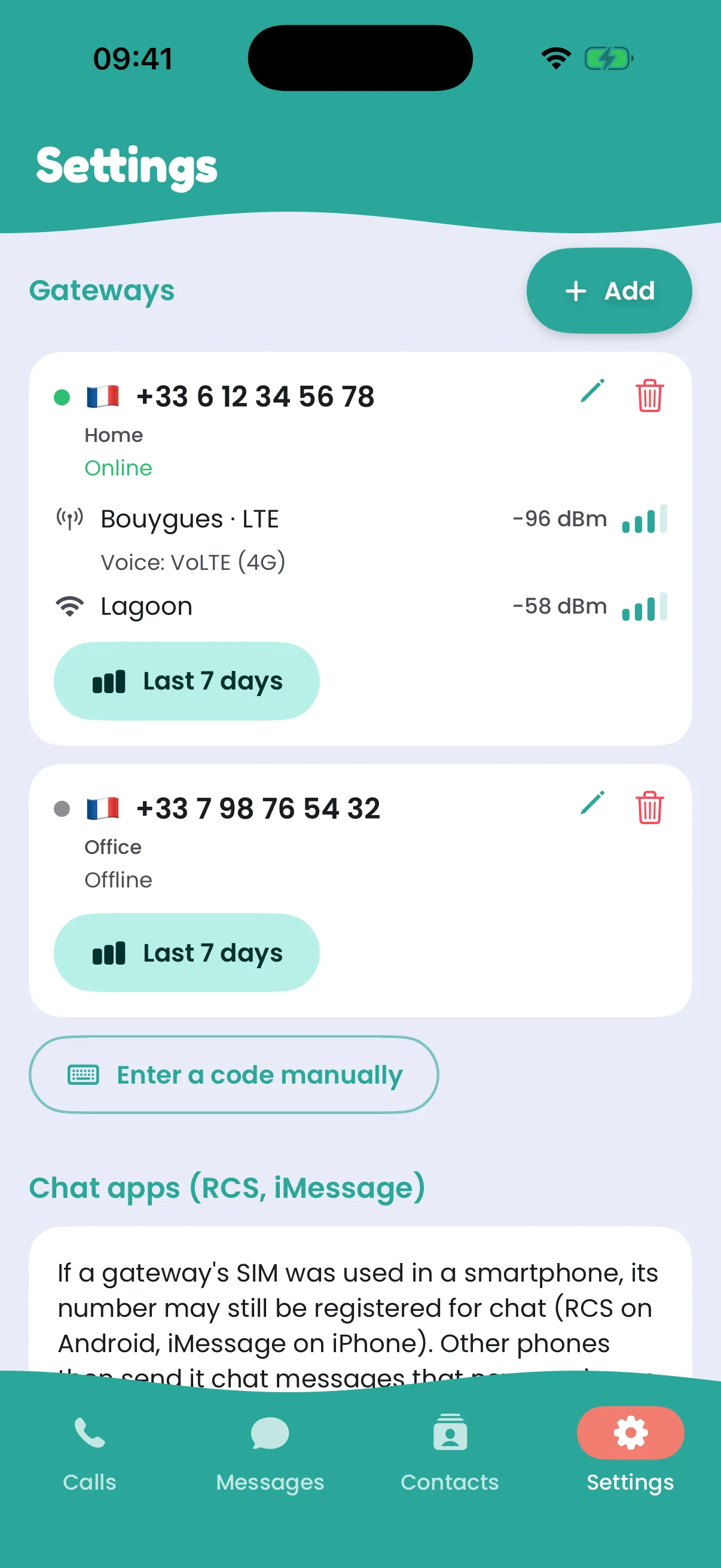
Section titled “Several Tahaa”You can add more than one, for example one per SIM or per country:
- The first time you call or text a number, the app asks Which Tahaa?. It then uses the same one for that number every time.
- Calling back from your call history goes out on the number the call was on.
- With several Tahaa, a conversation’s header shows which one it’s on, next to the contact’s number.
- To rename one, tap the pencil on its card in Settings.
Several phones
Section titled “Several phones”Sign in with the same email on as many phones as you like: they all ring and all show your messages. The first phone to answer a call takes it.
The web app
Section titled “The web app”Rather not install an app, or on a computer? Open app.tahaa.app in a recent browser (Chrome, Safari, Firefox, Edge) and sign in with your email: your calls, your messages and your Tahaa are there, on a computer or a phone.
- Call and text as in the app; calls are encrypted end to end too.
- Incoming calls ring while the page is open. Allow notifications when the browser asks, so you see them even in another tab.
- Add a Tahaa with the code on its sticker: type it, or scan it with the camera where the browser can (Chrome, Edge, Android). Setting a new box’s Wi-Fi needs the phone app once, because it goes over Bluetooth.