
Contacts
Tahaa uses the contacts already on your phone: there’s nothing to import.
The Contacts tab
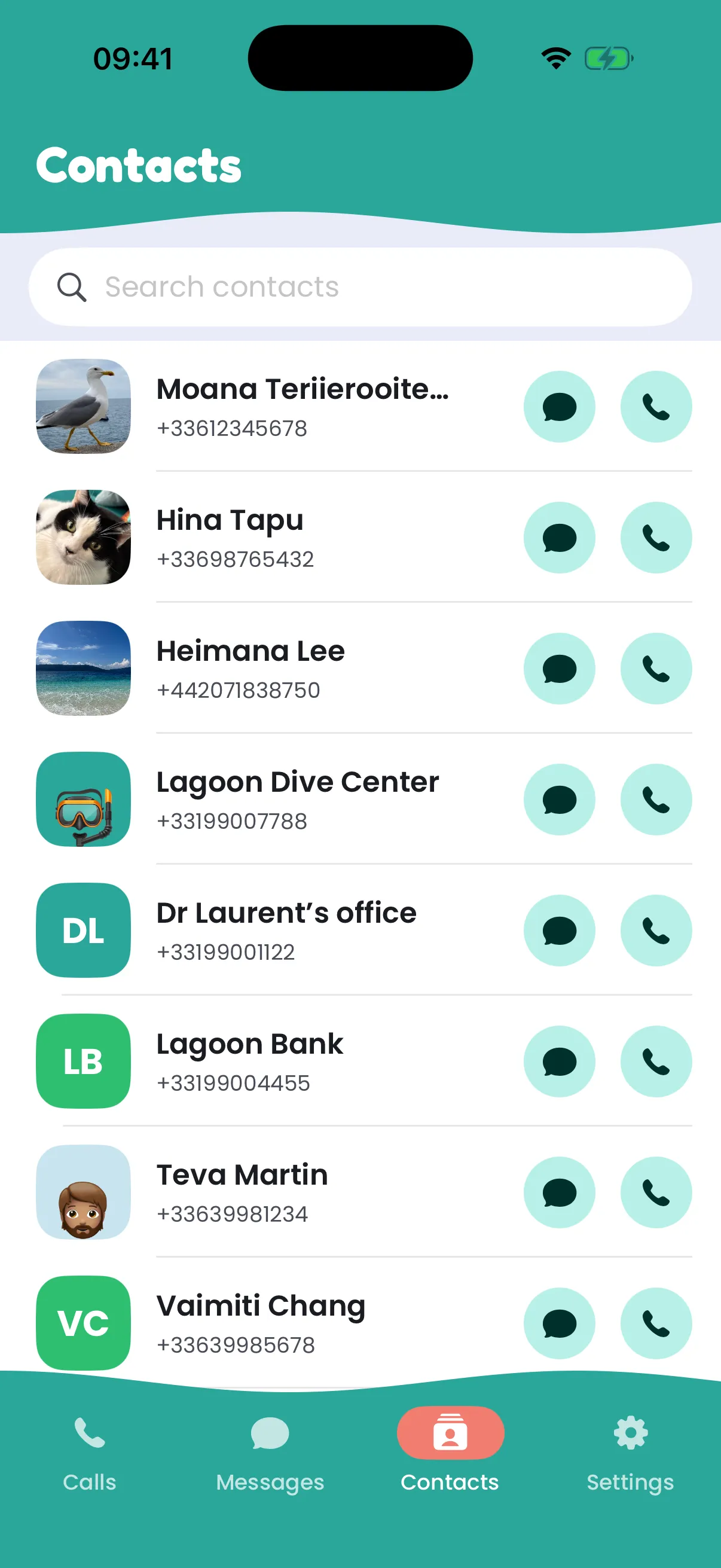
Section titled “The Contacts tab”Contacts lists your phone’s address book. Search by name or number, then call or text from your Tahaa with the buttons on each row. A contact with several numbers shows each of them.
Names and photos everywhere
Section titled “Names and photos everywhere”Calls, conversations and the call screen show your contacts’ names and photos instead of bare numbers. A number matches whatever way it’s written (“+33 6 12…” or “06 12…”).
Access
Section titled “Access”The app asks for access to your contacts the first time. Without it, Tahaa works the same, with numbers instead of names. To allow it later: on an iPhone, in the Settings app, under Tahaa; on Android, tap Allow access in the Contacts tab.
They stay on your phone
Section titled “They stay on your phone”Your contacts are read on your phone only. They’re never sent to the Tahaa service or stored there, so deleting your Tahaa account doesn’t touch them. The web app has no access to them: it shows numbers.