
Your number
Your conversations and calls belong to your phone number, not to the box. Whatever Tahaa carries your SIM, your history carries on.
Replacing your Tahaa, or moving the SIM
Section titled “Replacing your Tahaa, or moving the SIM”Put the SIM in another of your Tahaa: its conversations and calls carry on there, and replies go out on the new box. The same happens if your number moves to a new SIM, for example when you change operator and keep your number.
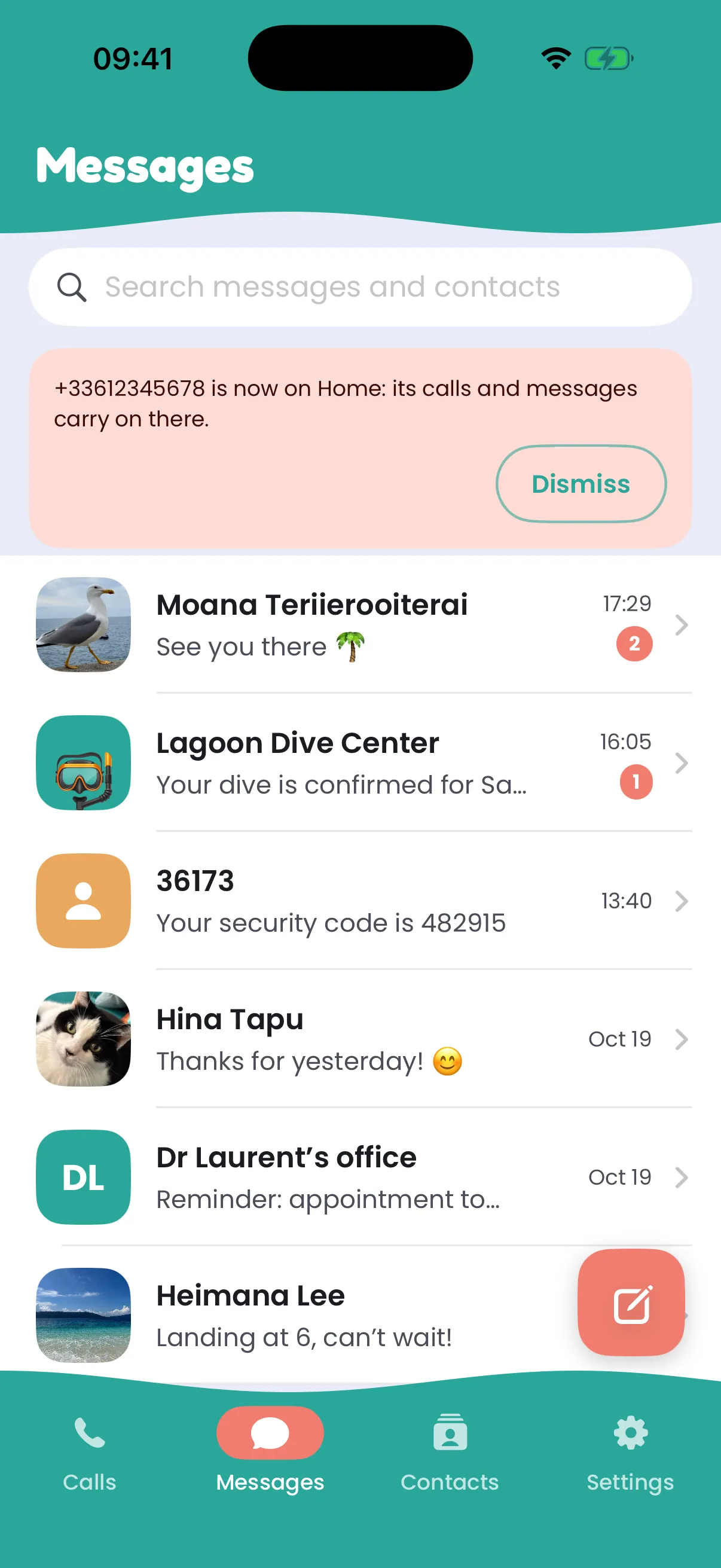
When a number moves to another Tahaa, Messages says so for a few days: “+33… is now on Travel: its calls and messages carry on there.”
A SIM that doesn’t give its number
Section titled “A SIM that doesn’t give its number”Some SIM cards don’t tell their own number. The Tahaa still works, but it can’t know which number it carries. On its card in Settings, tap Add its number and type it: your Tahaa sends a text with a code to that number, so to itself. When the text comes back, the number is confirmed, and anything received before joins that number’s history.
If the text doesn’t come back within a few minutes, check the number and try again. The confirmed number is forgotten when the SIM is taken out.
Two people, one SIM
Section titled “Two people, one SIM”What you see is only what your own Tahaa received while it was yours. If a SIM goes to someone else, they don’t see your history, and you don’t see theirs.